

Waiting for a parcel to arrive can be frustrating when you do not know where it is or when it will be delivered. Universal parcel tracking helps you check shipment updates from different courier companies in one place, instead of visiting multiple courier websites to find your delivery status.
Whether you are tracking an online shopping order, a domestic shipment, or an international package, you usually need a valid tracking number and the correct tracking service to view available updates.
This guide explains how universal parcel tracking works, how to track a parcel online, what common delivery statuses mean, and what to do when your tracking number does not work.
You can use a universal courier tracking tool to find shipment updates and access tracking options for different courier services.
What Is Universal Parcel Tracking?
Universal courier tracking refers to checking shipments from multiple courier companies through one tracking service or a central tracking page.
Instead of visiting separate websites for every shipment, users can enter a tracking number and select or identify the courier supported by the tracking service.
Depending on the platform, the service may display tracking updates directly or redirect users to the courier's official tracking page.
Common Courier Delivery Statuses and Their Meanings
Universal courier tracking refers to checking shipments from multiple courier companies through one tracking service or a central tracking page.
Instead of visiting separate websites for every shipment, users can enter a tracking number and select or identify the courier supported by the tracking service.
Depending on the platform, the service may display tracking updates directly or redirect users to the courier's official tracking page.
How to Track a Parcel Online
Follow these simple steps to check your shipment status.
Step 1: Find Your Tracking Number
Look for the tracking number in your order confirmation email, dispatch message, SMS, or courier receipt. It may be labelled as a tracking ID, AWB number, consignment number, or shipment number.
Step 2: Identify the Courier Company
Check the message from the seller or courier to find the company handling your parcel. If the courier is unknown, use a multi-courier tracking service that supports carrier identification.
Step 3: Enter Your Tracking Number
Open the tracking page and enter the number exactly as provided. Select the courier if the website requires it.
Step 4: Check the Latest Status
Review the latest available scan, shipment location, and delivery updates. Tracking information depends on the data supplied by the courier and may not update continuously
Step 5: Follow Up if Needed
If the status remains unchanged for an unusually long time, contact the seller or courier with your tracking number and order details.
Which Courier Companies Can You Track?
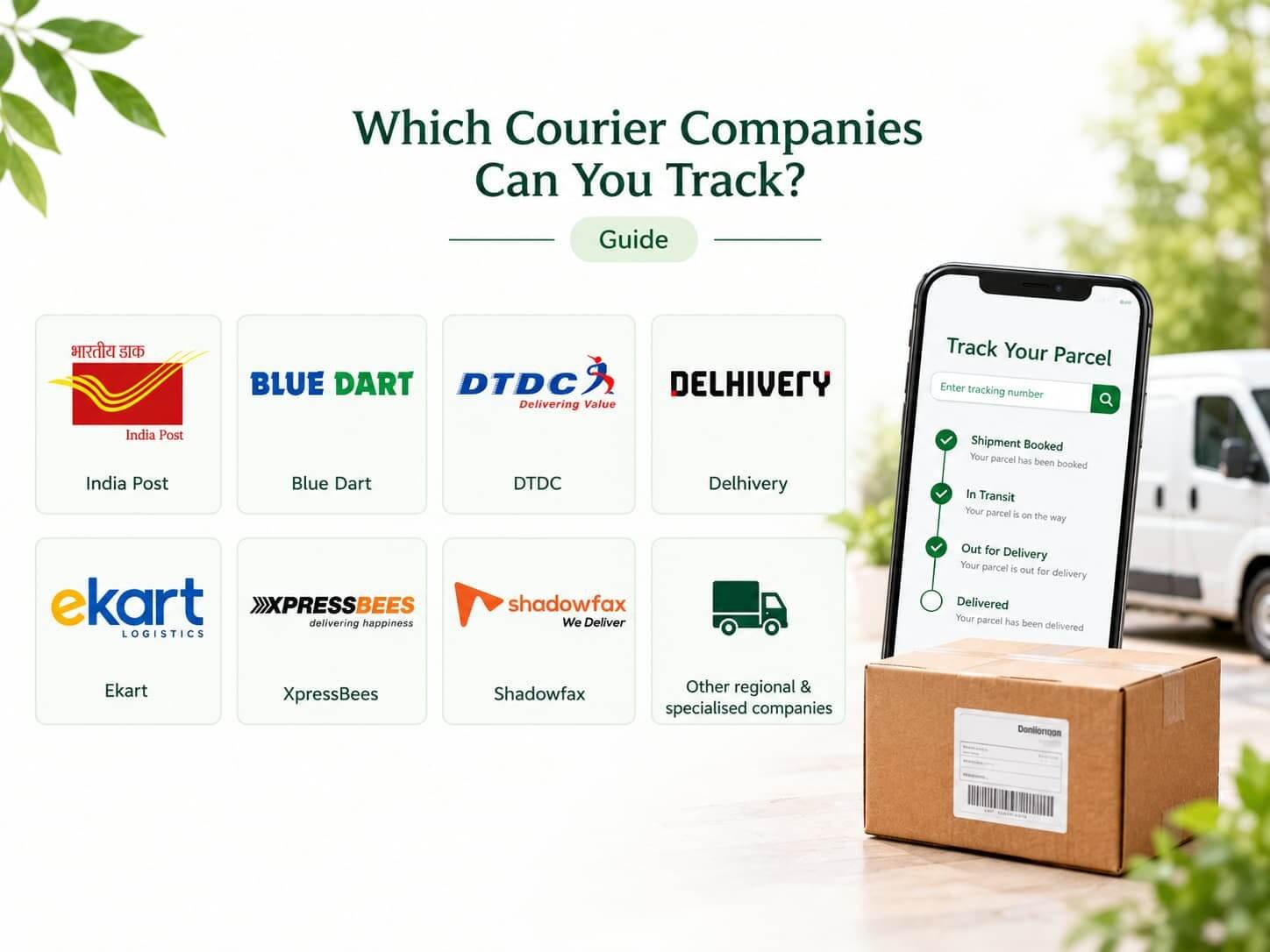
Indian parcel-tracking services may support companies such as:
- India Post
- Blue Dart
- DTDC
- Delhivery
- Ekart
- XpressBees
- Shadowfax
- Other regional and specialised courier companies
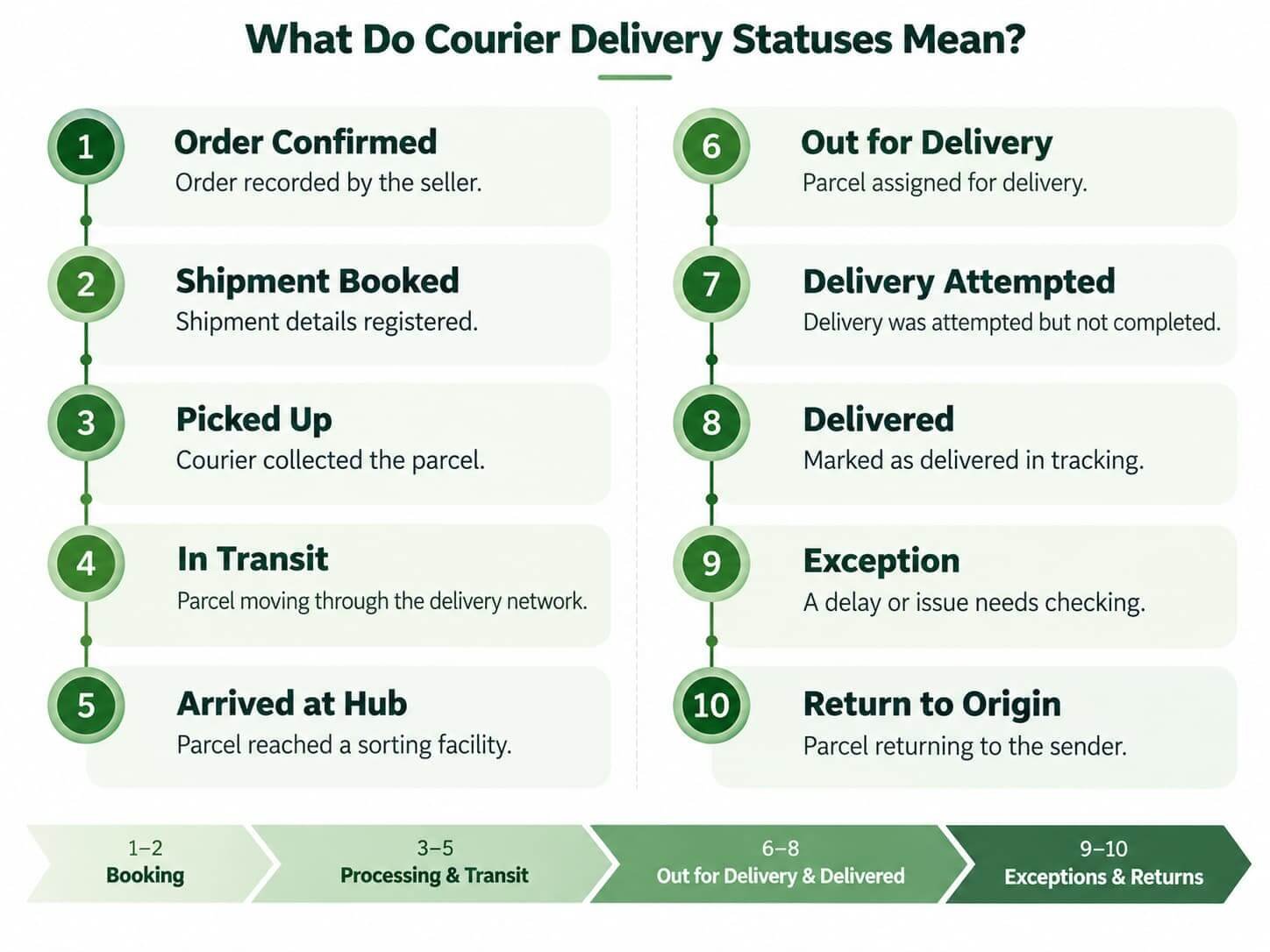
What Do Courier Delivery Statuses Mean?
How to Find Your Expected Delivery Date
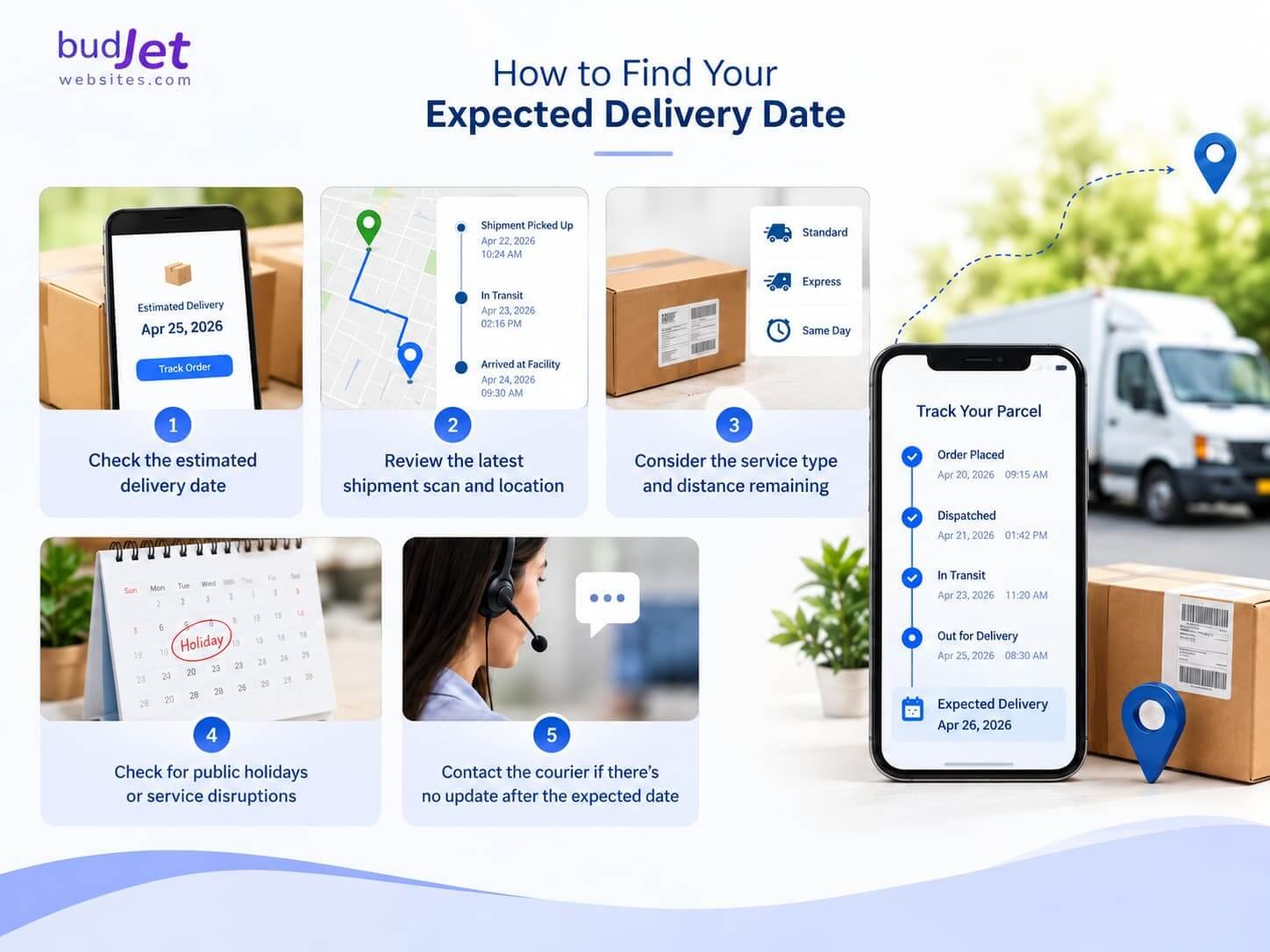
To estimate when your parcel may arrive:
- Check the estimated delivery date shown by the seller or courier.
- Review the latest shipment scan and location.
- Consider the service type and the distance remaining.
- Check for public holidays or reported service disruptions.
- Contact the courier if the parcel passes its expected delivery date without an update.
Why Is My Courier Tracking Number Not Working?
1. The Shipment Has Not Been Scanned Yet
Tracking may not appear until the courier scans the parcel.
2. The Tracking Number Is Incorrect
Check for missing digits, extra spaces, or typing errors.
3. You Selected the Wrong Courier
Confirm the courier name in your dispatch notification.
4. The Tracking System Has Not Updated
Wait a while and check again for new tracking updates.
5. The Parcel Is Delayed
If delivery is overdue, contact the seller or courier directly.
Tips for Safe and Reliable Parcel Tracking
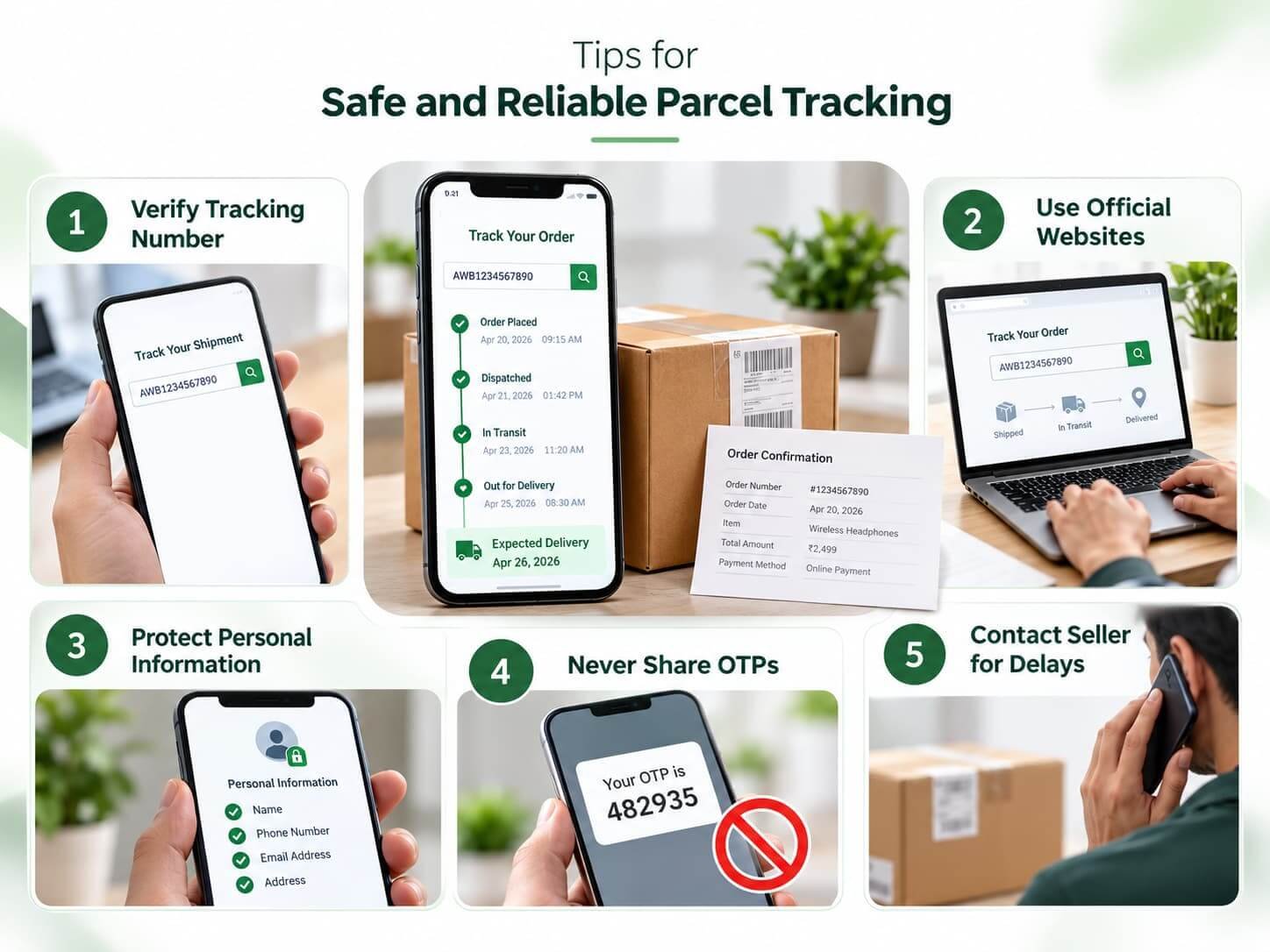
- Use the tracking number supplied by the seller or courier.
- Prefer official courier websites when checking sensitive shipment details.
- Avoid sharing unnecessary personal information on unfamiliar tracking websites.
- Do not share banking passwords or OTPs to receive a parcel.
- Contact the seller if the tracking number appears invalid or the shipment is overdue.
- Keep your order confirmation and shipment messages until delivery is complete.
Frequently Asked Questions
1. Can I track parcels from different courier companies on one website?
Yes, some multi-courier tracking platforms support several courier companies from one interface. Available carriers and tracking features vary by service.
2. Can I track a parcel without a tracking number?
Usually, you need a tracking number, AWB number, consignment number, or another shipment reference. If you do not have one, contact the seller or sender.
3. Why has my parcel tracking not updated?
The parcel may be awaiting its first scan, moving between facilities, or experiencing a delay in data updates. Check again later and contact the courier if the delay continues.
4. Can I track an international shipment?
Some tracking platforms support international couriers and postal services. Confirm that the service supports your carrier and destination country.