
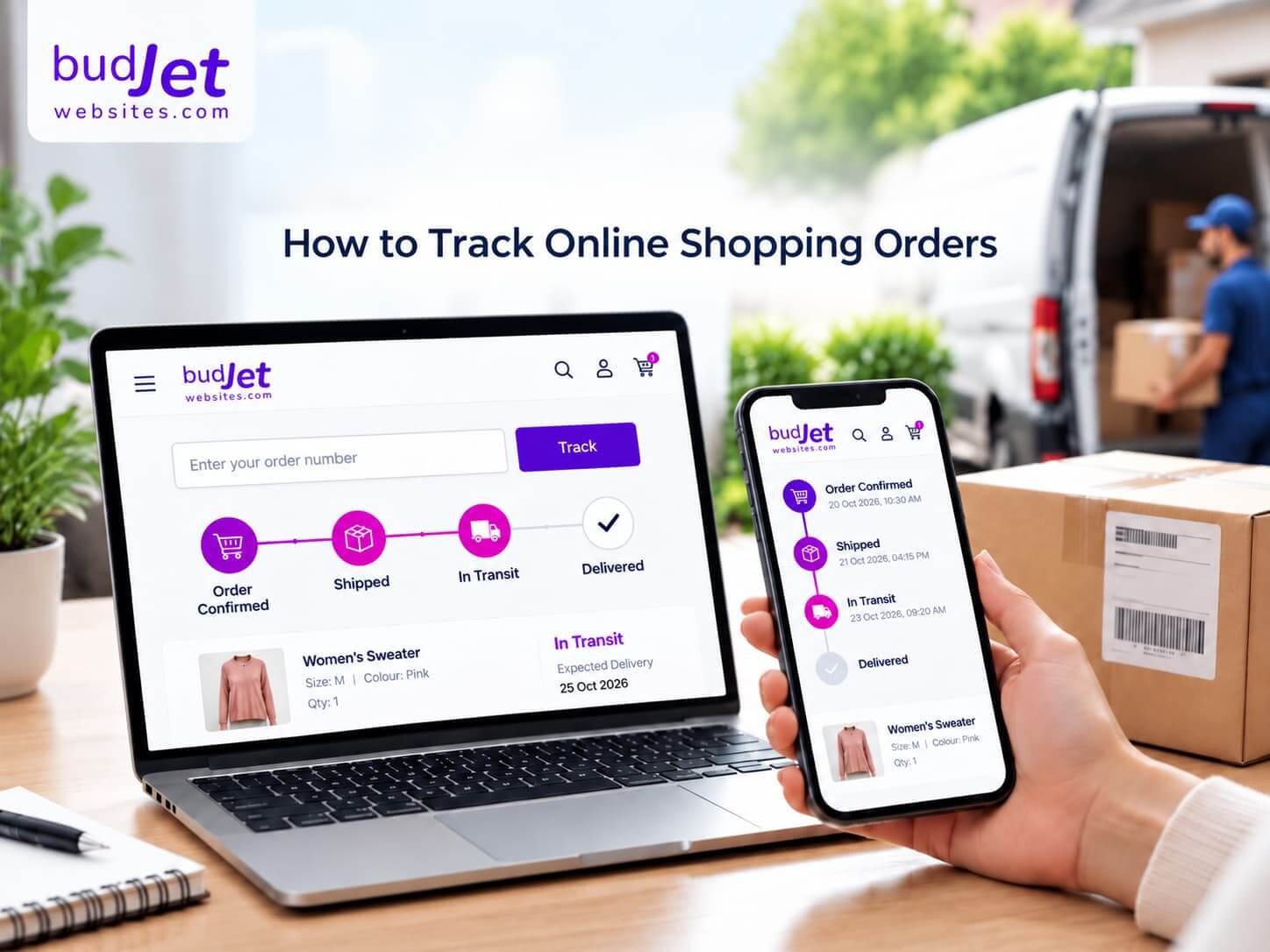
Waiting for an online order to arrive? If you are searching for track my order, you probably want to know whether your purchase has been shipped, where the parcel is currently located, or when it will reach your address.
Most online shopping platforms provide order updates through your account, email, or SMS. Once the seller dispatches your package, you may also receive a courier tracking number that lets you follow its progress.
In this guide, you will learn how to track an online order, find your shipment number, understand delivery updates, and resolve common tracking problems.
How to Track My Order Online
You can usually track an online purchase through the shopping website or the courier handling the delivery.
Step 1: Open Your Shopping Account
Visit the website or app where you placed your order. Sign in using your registered account details.
If you checked out as a guest, look for the order confirmation email or SMS instead.
Step 2: Go to Your Orders
Open the My Orders, Order History, or similar section. Select the purchase you want to track.
The order page may show whether the purchase is confirmed, being prepared, shipped, or delivered.
Step 3: Find the Tracking Number
If the order has been dispatched, look for a tracking number, shipment ID, or a button labelled “Track Package.”
Remember that your order ID and courier tracking number may be different.
Step 4: Check the Delivery Progress
Use the tracking link provided by the seller or enter the tracking number into the courier's official tracking page.
You can also use a universal parcel tracking platform if it supports the courier handling your shipment.
Step 5: Review the Latest Update
Check the latest shipment status and its timestamp. Updates such as “In Transit” and “Out for Delivery” indicate different stages of the delivery process.
If the expected delivery date has passed, check for delay information and contact the seller or courier if necessary.
How to Track an Order Without a Tracking Number
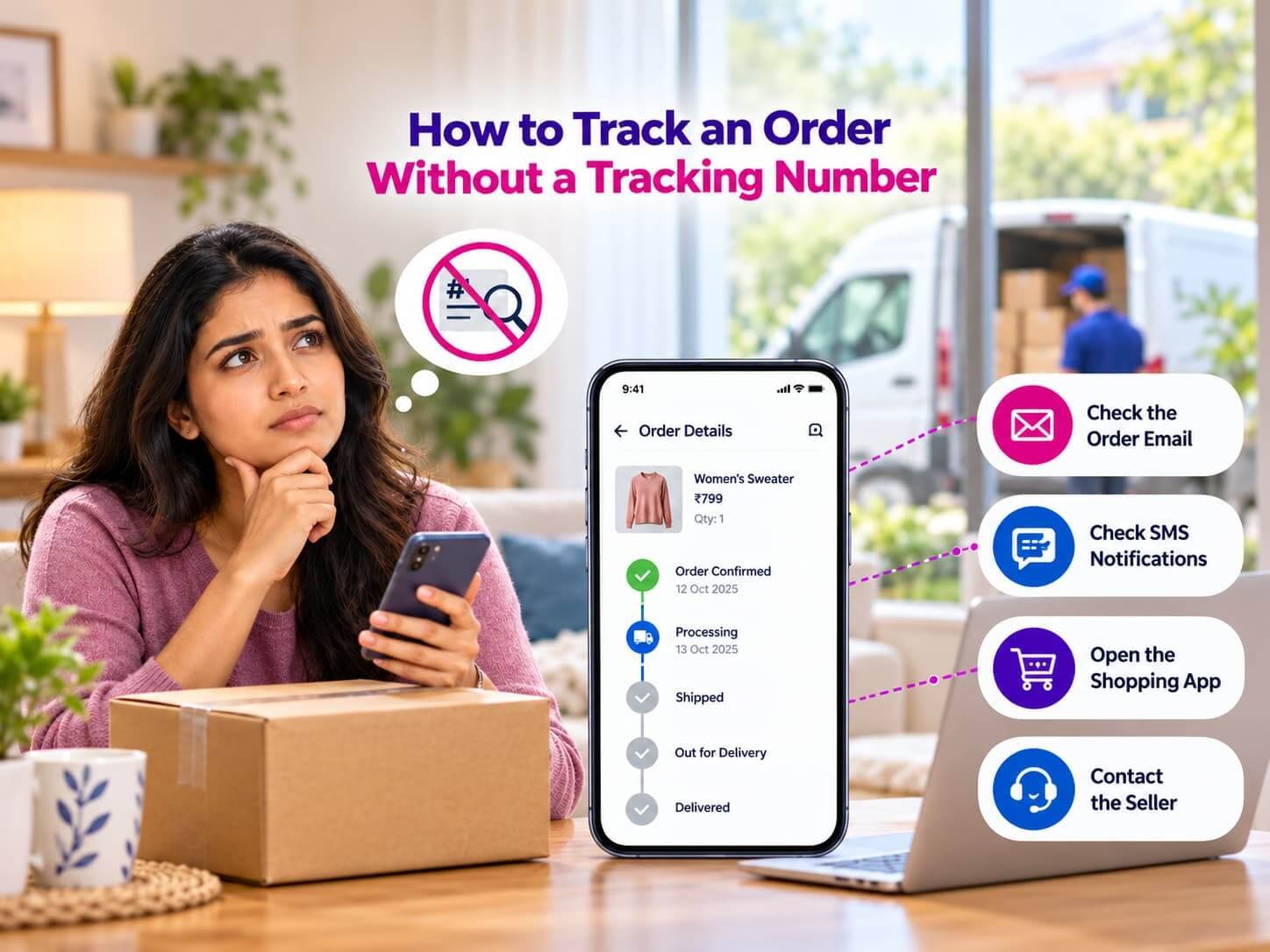
If you cannot find your tracking number, try these methods:
1. Check the Order Confirmation Email
Look for a tracking link or shipment details in your order or dispatch email.
2. Check SMS Notifications
Check messages from the seller or courier for tracking updates. Use only verified links.
3. Open the Shopping App
Visit your order details to check the current status.
4. Contact the Seller
Share your order ID with customer support and request the courier name and tracking number, if available.
Track My Order vs Track My Package: What Is the Difference?
These phrases are related, but they can refer to different stages of the buying and delivery process.
| Search term | What the user usually wants |
| Track my order | Information about a purchase, including processing and dispatch |
| Track my package | Shipment movement after the parcel enters the delivery process |
| Track my delivery | The parcel's progress toward the delivery address |
| Order status check | Confirmation of whether an order is processing, shipped, cancelled, or completed |
| Courier tracking | Shipment updates provided by the delivery company |
For an order that has not yet been shipped, the seller's order page is usually the best starting point.
Once the package has been handed to the courier, shipment tracking can provide more detailed delivery information.
What Do Common Online Order Statuses Mean?
Online stores and courier companies may use different terms. Here are some common updates.
1. Order Placed
Your purchase has been recorded by the seller. The package may not have been prepared or shipped yet.
2. Processing
The seller is preparing the order for dispatch. Processing time depends on the product, seller, and fulfilment process.
3. Shipped
The seller indicates that the order has been dispatched or handed over for shipping. Check the courier tracking page for physical scan updates when available.
4. In Transit
The parcel is moving through the courier network, potentially between sorting centres or regional facilities.
5. Out for Delivery
The parcel has been assigned to a delivery route. Delivery may be expected that day, but it is not guaranteed.
6. Delivered
The courier has marked the package as delivered. If you have not received it, check the delivery location and contact the courier or seller.
7. Cancelled
The order has been cancelled. Check the seller's cancellation and refund information if payment was already made.
Why Is My Online Order Tracking Not Working?
If you cannot track your parcel, these common issues may be the reason.
The Order Has Not Been Dispatched
Tracking details may appear only after the seller ships your order.
The Tracking Number Is New
Wait a while and try again if shipment details are not yet available.
You Are Using the Order ID
Use the courier’s tracking number instead of the shopping order ID.
Tracking Information Is Delayed
Check the latest update or visit the courier’s official website.
The Wrong Courier Is Selected
Confirm the delivery company through your order details or contact the seller.
How to Track Orders from Different Online Shopping Websites
The process is similar across most shopping platforms:
Sign in to the shopping website or app.
Open your order history.
Select the order you want to track.
Click the tracking link or copy the tracking number.
Check the latest shipment status.
Keep order IDs and tracking numbers separate, as one order may have multiple packages. A universal tracking platform can help track supported shipments from different couriers in one place.
How to Know When Your Online Order Will Arrive
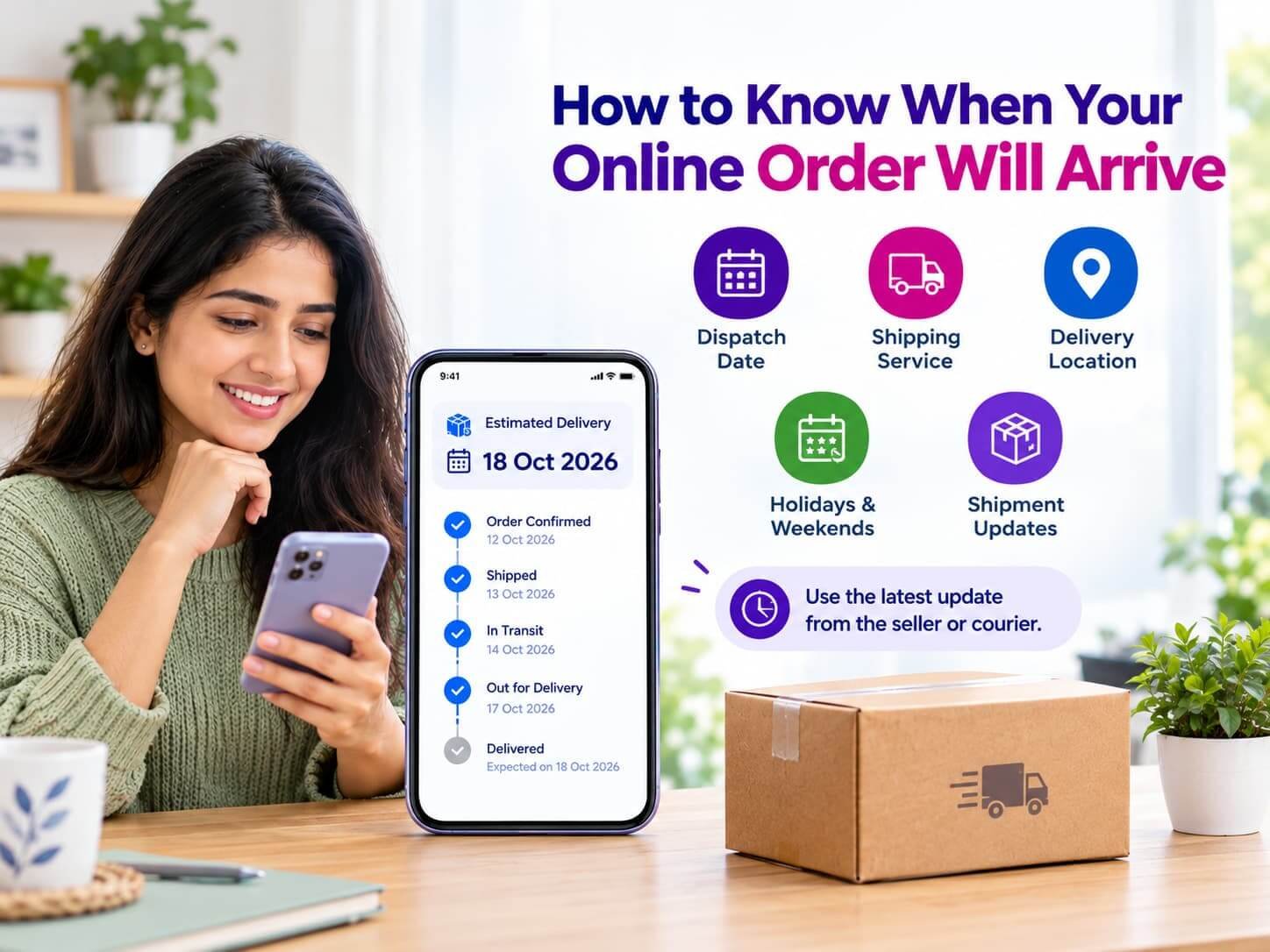
- Dispatch date: The seller may need time to prepare the package.
- Shipping service: Standard and express services have different delivery timelines.
- Delivery location: Distance and local delivery coverage can affect transit time.
- Public holidays and weekends: Schedules may vary by courier and location.
- Shipment updates: Arrival at a nearby facility can indicate progress but does not guarantee delivery that day.
Conclusion
Searching for track my order is often the first step toward finding an online purchase and understanding its delivery progress. Start with the shopping platform to check order processing and dispatch, then use the courier tracking number to follow the parcel.
For shipments handled by supported carriers, universal parcel tracking can make it easier to check delivery updates from different courier companies in one place.
Frequently Asked Questions
1. How do I track my order online?
Open the shopping app or website, select your order, and use the available tracking link. If the package has been dispatched, you may also be able to track it using the courier tracking number.
2. Can I track my order using only an order ID?
You can usually check the purchase status on the seller's website using the order ID. However, the courier may require a separate tracking number to show shipment progress.
3. Why does my order say shipped but have no tracking updates?
The tracking number may have been created before the courier's first scan, or the information may not have refreshed yet. Check again later and contact the seller if the issue continues.
4. Can I track multiple orders in one place?
Some universal parcel tracking platforms support tracking numbers from multiple courier companies. Availability depends on the platform and the carriers it supports.
5. What should I do if my order is marked delivered but I have not received it?
Check the delivery location and ask household members or building reception whether they accepted the parcel. Then contact the courier and seller to report the missing delivery.